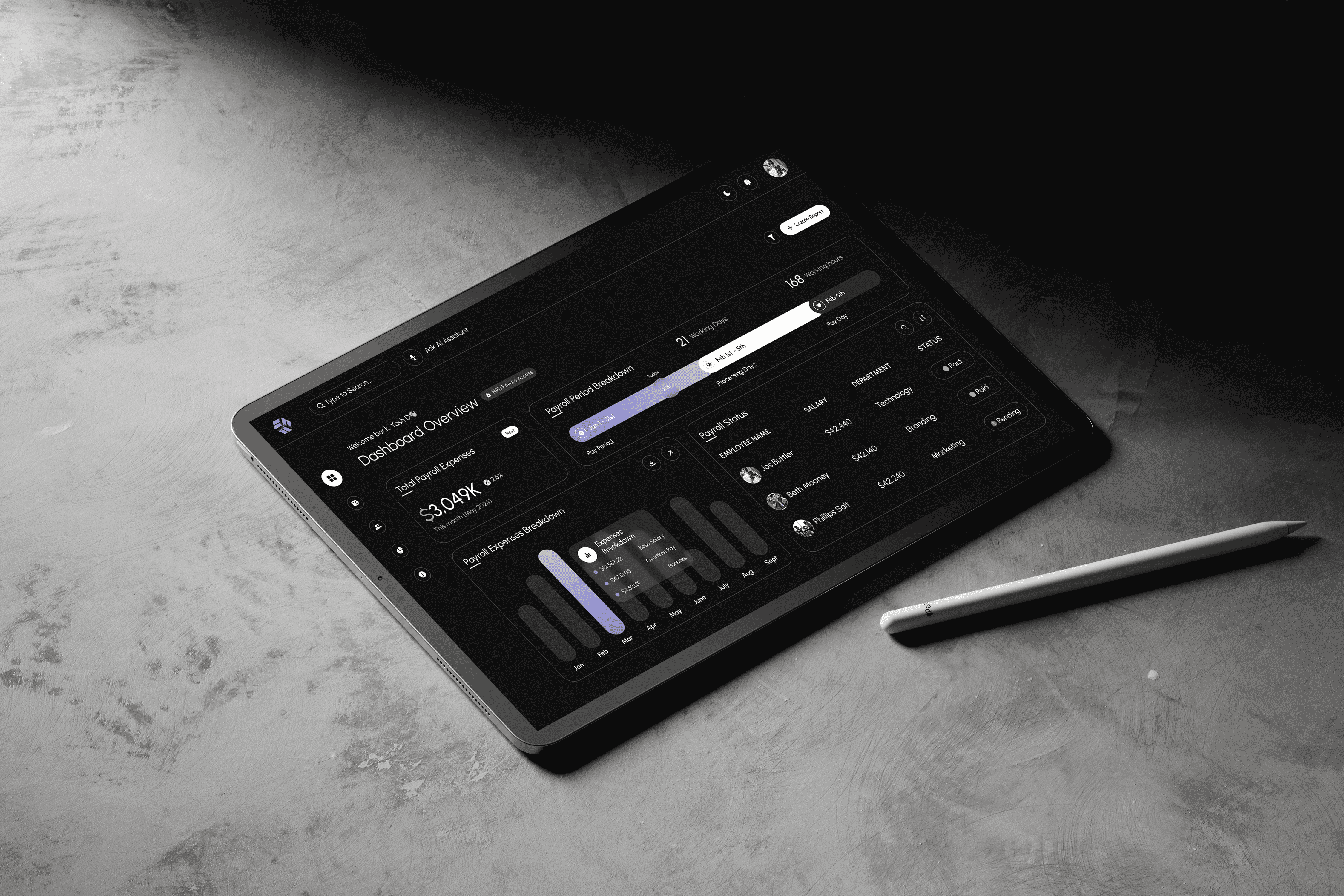
Smarter payroll. Simpler decisions. All in one dashboard
Payroll 360 | Dashboard UI
COMPANY
Portfolio Project
ROLE
UX Designer
EXPERTISE
Web App Design
YEAR
2025
Project Description
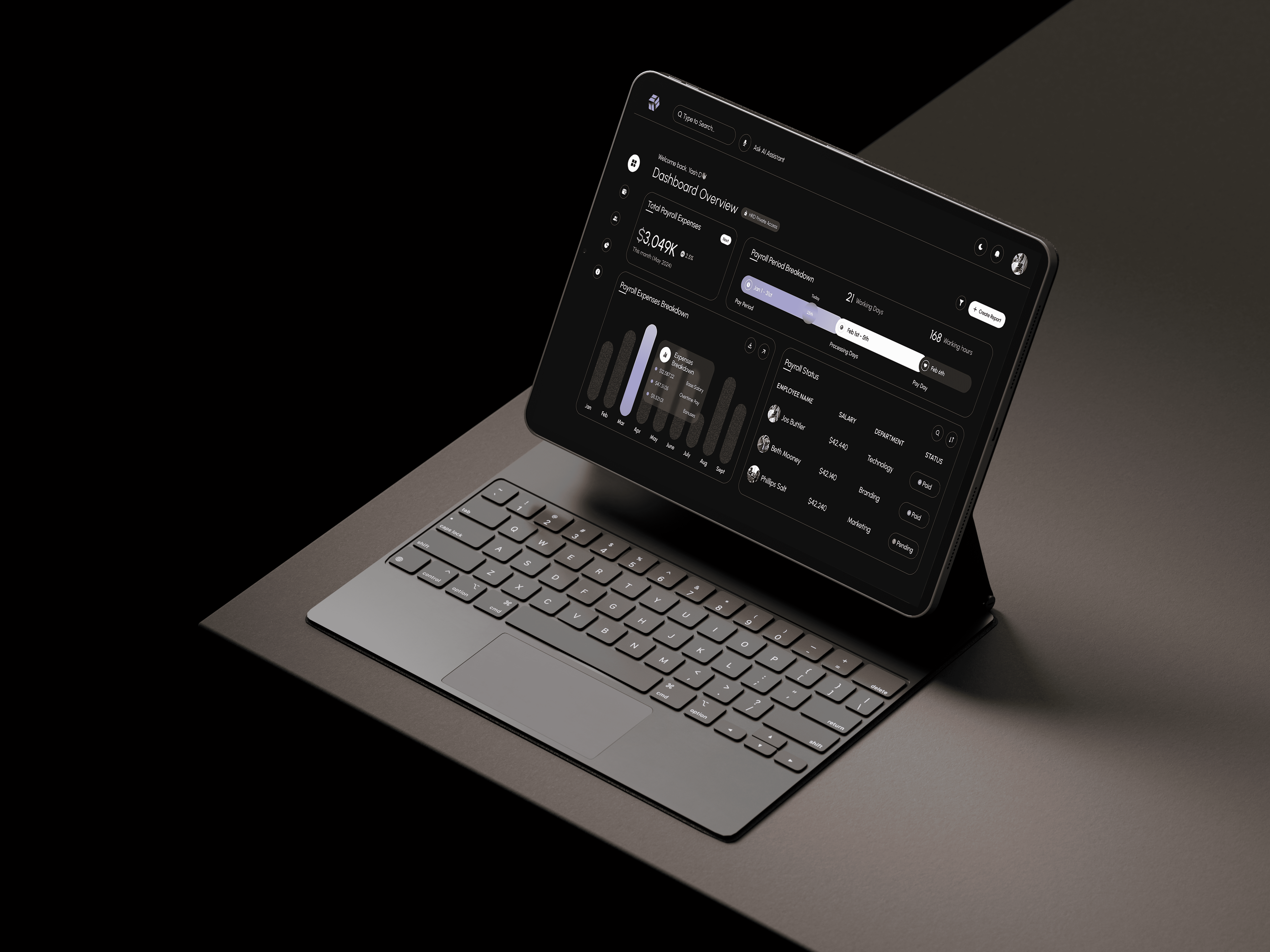
Payroll 360 is a modern HR and payroll dashboard UI I created as a concept project inspired by the growing trend in clean, data-focused dashboard design. The goal was to explore how complex payroll operations can be simplified through intuitive layout, smart workflows, and a visually balanced interface tailored for HR professionals.
Timeline
1 Week (February 2025)
Background
Payroll 360 is a modern payroll and employee management dashboard designed to simplify how HR professionals manage salaries, attendance, tax deductions, and compliance. The goal was to create a dashboard that balances complex data with clean visual hierarchy and usability—especially for busy HR teams in mid-to-large-scale organizations.
Process
The design process began with researching common pain points in existing payroll systems, focusing on how HR teams manage salary processing, attendance, and compliance. I then mapped out key modules and user flows to ensure quick access to critical actions like running payroll and generating reports. Low-fidelity wireframes helped define a clean layout, which I later translated into high-fidelity UI in Figma with a focus on data clarity, consistency, and responsiveness. The final design offers a streamlined, user-friendly experience for HR professionals managing complex operations.
1. Understanding Requirements
Collaborated with HR professionals and reviewed existing payroll tools to identify critical pain points—such as cluttered interfaces, confusing data layouts, and lack of intuitive filters.
2. User Research & Personas
Defined core users like HR Manager, Payroll Officer, and Admin Executive. Focused on their daily tasks, from running payroll cycles to generating salary slips and compliance reports.
3. Feature Mapping & IA
Mapped out essential dashboard modules:
Salary overview & run payroll
Attendance tracking
Tax deductions & compliance alerts
Payslip generation
Employee directory
Created a clean, modular information architecture to support easy navigation.
4. Wireframing
Sketched low-fidelity wireframes focusing on layout clarity, quick access to frequent actions, and scalable card-based modules.
5. UI Design & Visual System
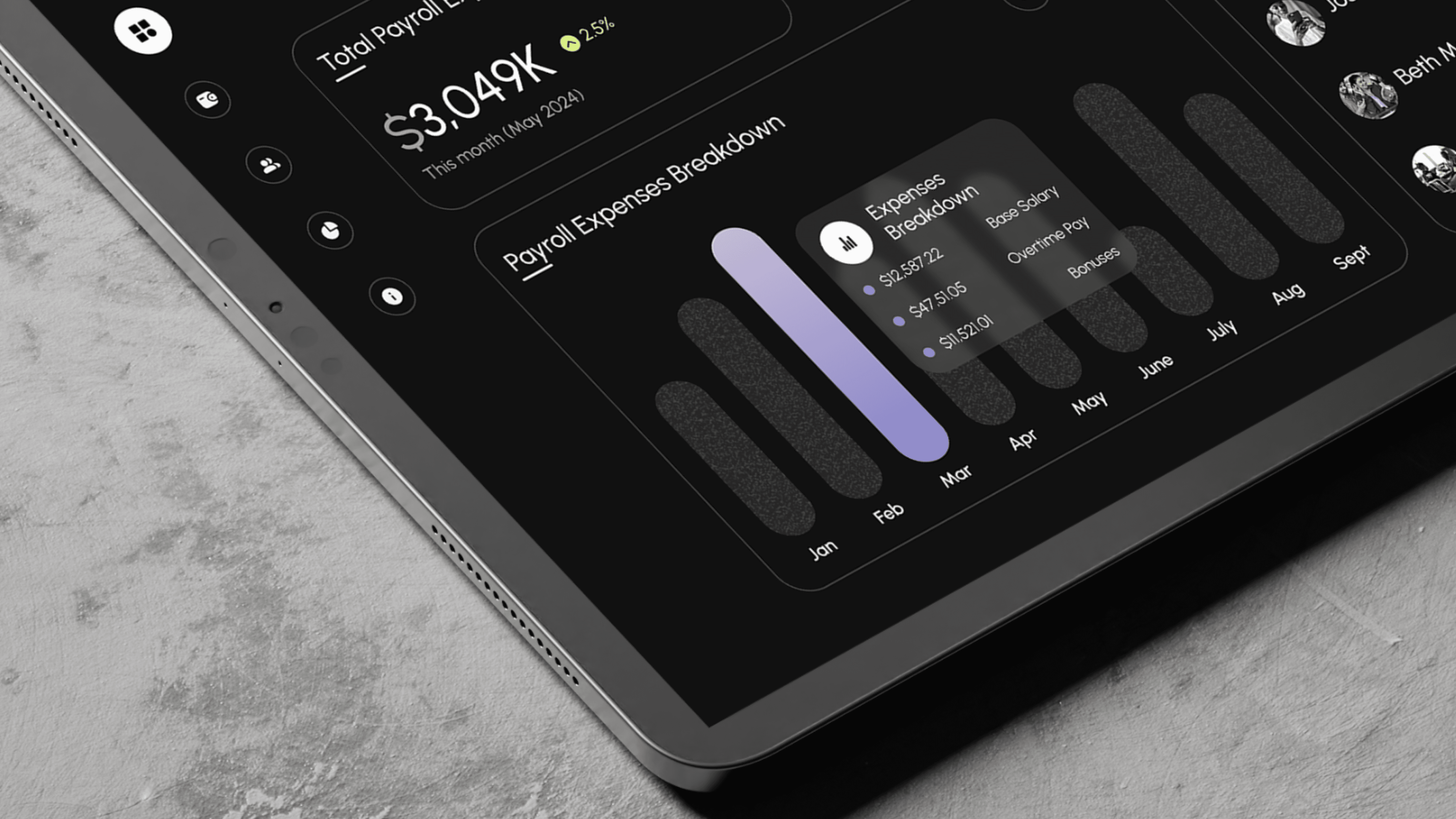
Built a clean, data-friendly UI in Figma, using soft neutrals with accent highlights for priority alerts and CTAs. Focused on data readability, icon consistency, and responsive grid systems.
6. Micro-interactions & Prototyping
Added hover states, dropdown transitions, and alert animations to enhance interactivity without overwhelming the user.
Solution
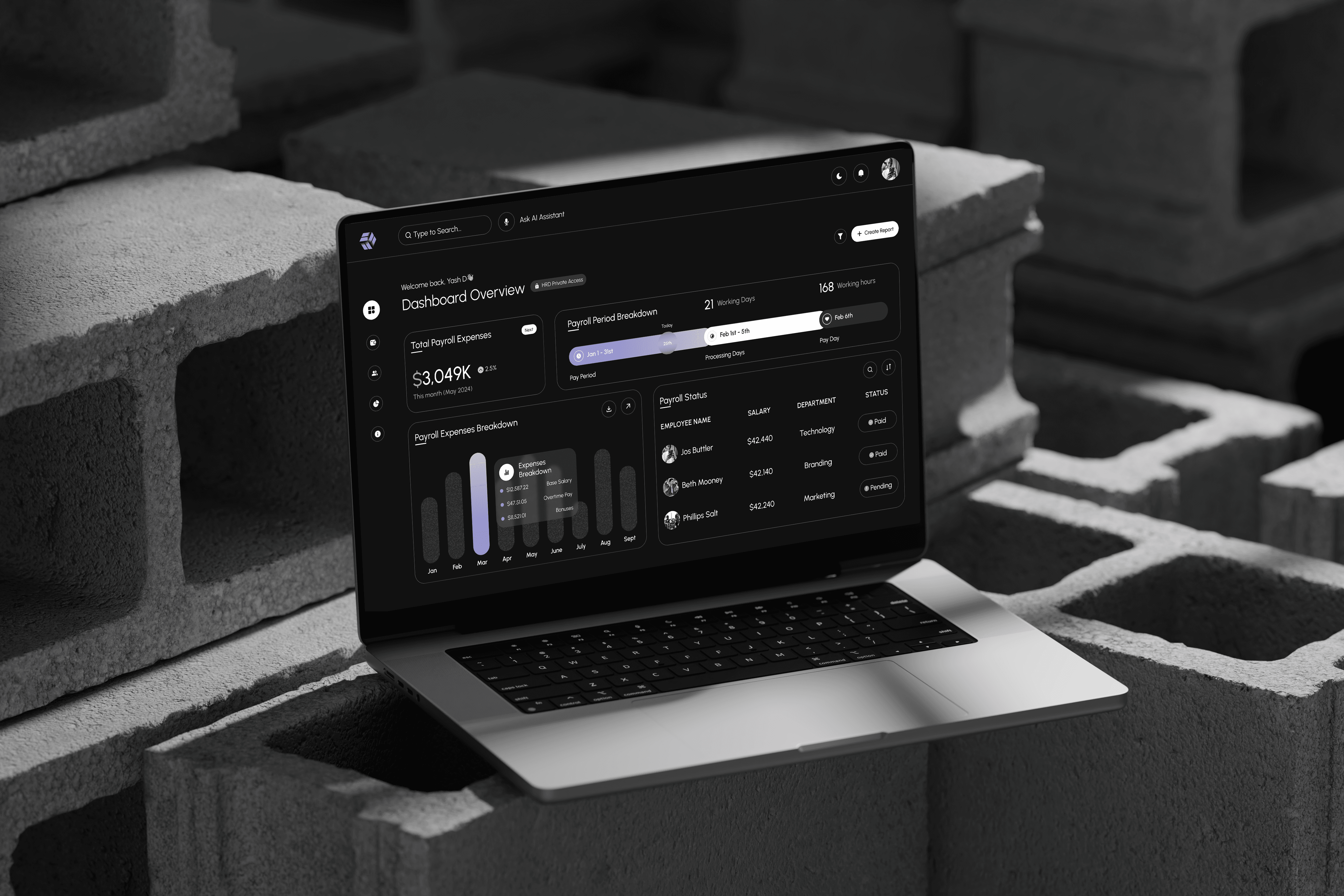
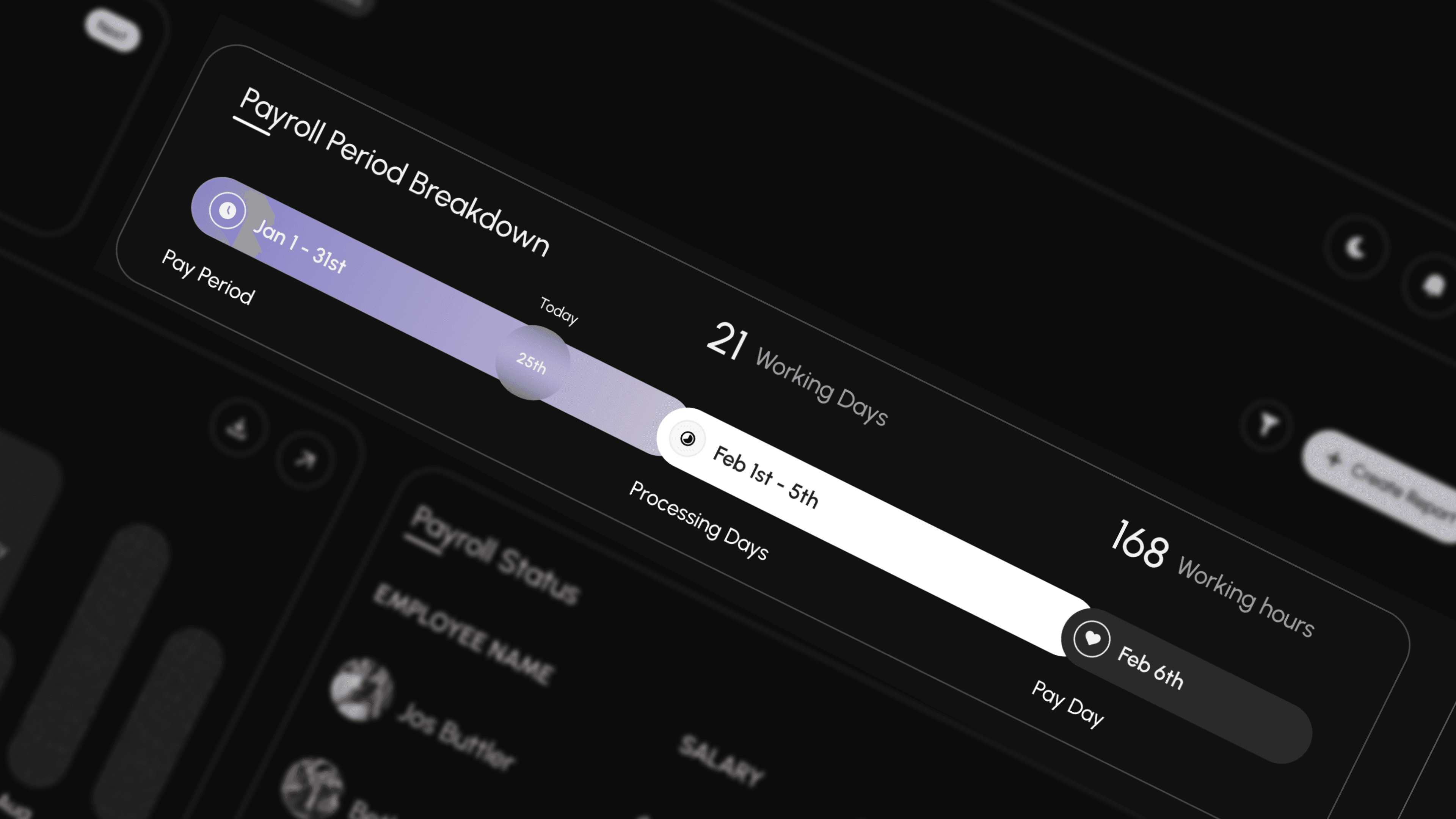
The final solution was a user-friendly, responsive HR dashboard that streamlined payroll processing, attendance tracking, and compliance management. Clear callouts, digestible charts, and real-time status indicators helped HR teams act faster and reduce errors.
Overwhelming Data Presentation
Simplified with modular layout and collapsible panels to keep information focused.
Manual, Error-Prone Payroll Cycles
Included a guided “Run Payroll” workflow with smart checks and validation.Lack of Quick Insights
Added at-a-glance salary summaries, pending approvals, and visual KPIs.Poor Usability on Smaller Screens
Designed fully responsive UI optimized for tablets and laptops.Hard-to-Find Employee Info
Integrated searchable employee directory with filters for location, role, and status.
Result
Each result highlights the website's ability to meet user needs and drive meaningful engagement.