Learn. Practice. Grow. A creative space built for designers, by designers.
DesignScape
COMPANY
Portfolio Project
ROLE
UI/UX Designer
EXPERTISE
Product Design
YEAR
2024
Project Description
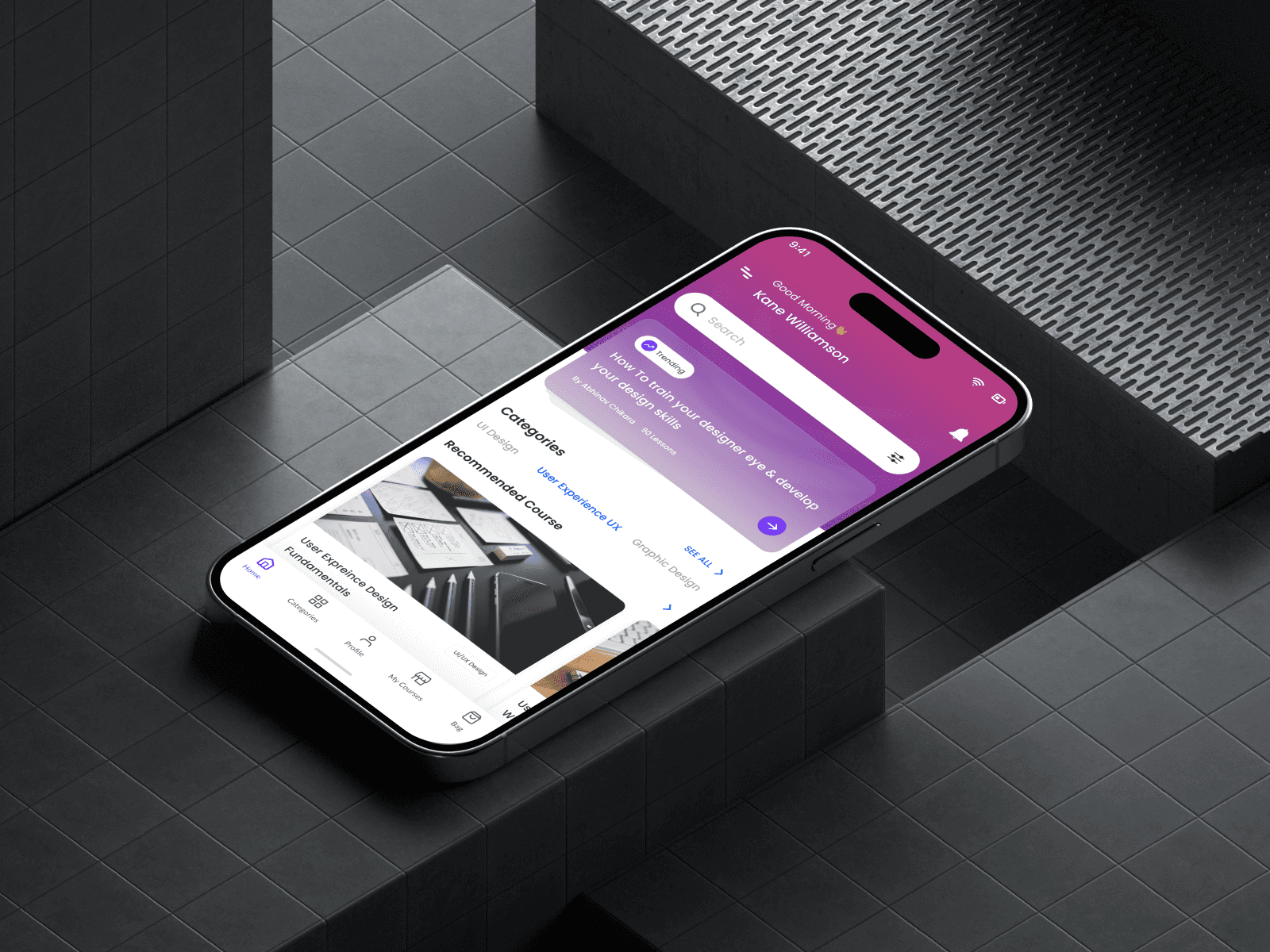
Designscape: Empowering Designers to Enhance Skills and Build Foundations. A platform dedicated to nurturing creativity and skill development in design, fostering the next generation of visionary creators
Timeline
1-2 Months (May 2024 - June 2024)
Background
DesignScape is an e-learning platform that aims to make learning design-related fields accessible, engaging and effective for indiviuals at all levels. Whether they are begineers or experienced professionals. The platform provides users with an opportubnity to advance their skills and careers in various design-related fields such as UI/UX design, graphic design, web design, game design and 3D and animation through tutorial videos
Process
For DesignScape, an e-learning platform for designers, I followed a user-centered design process starting with research to understand learning behaviors and pain points among design learners. I defined key features like structured learning paths, challenges, and a community space. After mapping user flows and creating wireframes, I designed a clean, focused UI in Figma, aligned with the creative needs of the audience. The final design included a scalable design system, interactive prototype, and was validated through peer feedback and usability testing.
Problem Identification & Goal Setting
Recognized a gap in platforms that offer structured, design-specific learning with community support.
Set a goal to create a platform that’s not only educational but also interactive, collaborative, and tailored for creatives.
2. User Research
Conducted surveys and 1:1 interviews with aspiring and mid-level designers to understand:
Learning habits
Preferred formats (videos, challenges, live sessions)
Frustrations with existing platforms (lack of community, outdated content, poor UX)
3. Persona Development & Journey Mapping
Built 2–3 user personas (e.g., Design Student, Working UI/UX Designer)
Mapped their learning journey to identify key moments: course discovery, learning path selection, progress tracking, and peer feedback.
4. Feature Definition
Identified key platform features:
Structured learning paths (Beginner to Advanced)
Daily/weekly design challenges
Interactive community space
Progress tracking and certificates
Responsive mobile-first layout
5. Information Architecture & User Flow
Created a clear sitemap for easy navigation (Home → Browse Courses → Course Details → My Learning → Community).
Defined task flows for:
Enrolling in a course
Submitting a challenge
Joining live sessions or discussions
6. Wireframing
Sketched low-fidelity wireframes to visualize content layout and navigation.
Focused on distraction-free learning screens and intuitive flows.
7. UI Design & Branding
Designed high-fidelity UIs in Figma with a creative, clean, and modern visual language.
Used soft colors, minimal icons, and spacious layouts for focus and comfort.
Defined a scalable design system (components, type scales, buttons, forms).
8. Prototype & Microinteractions
Built a clickable prototype to simulate course enrollment, progress tracking, and challenge submission.
Added subtle microinteractions to enhance usability and delight.
9. User Testing & Feedback
Conducted informal usability testing with design peers.
Refined flows based on feedback around course navigation and dashboard clarity.
10. Handoff & Presentation
Organized final assets, documentation, and design tokens for developer handoff (if applicable).
Prepared the case study for Behance/portfolio with visual storytelling and impact focus.
Solution
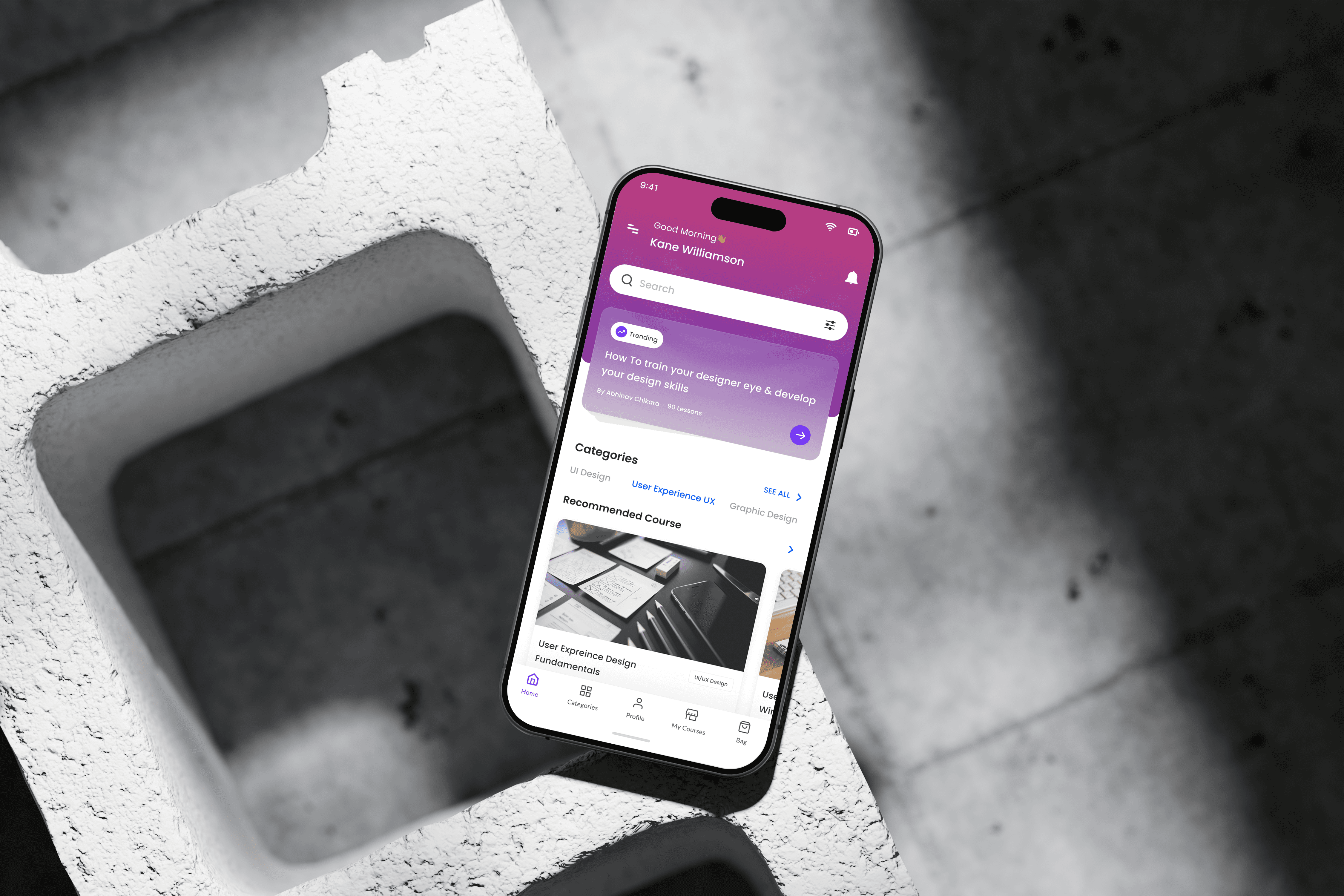
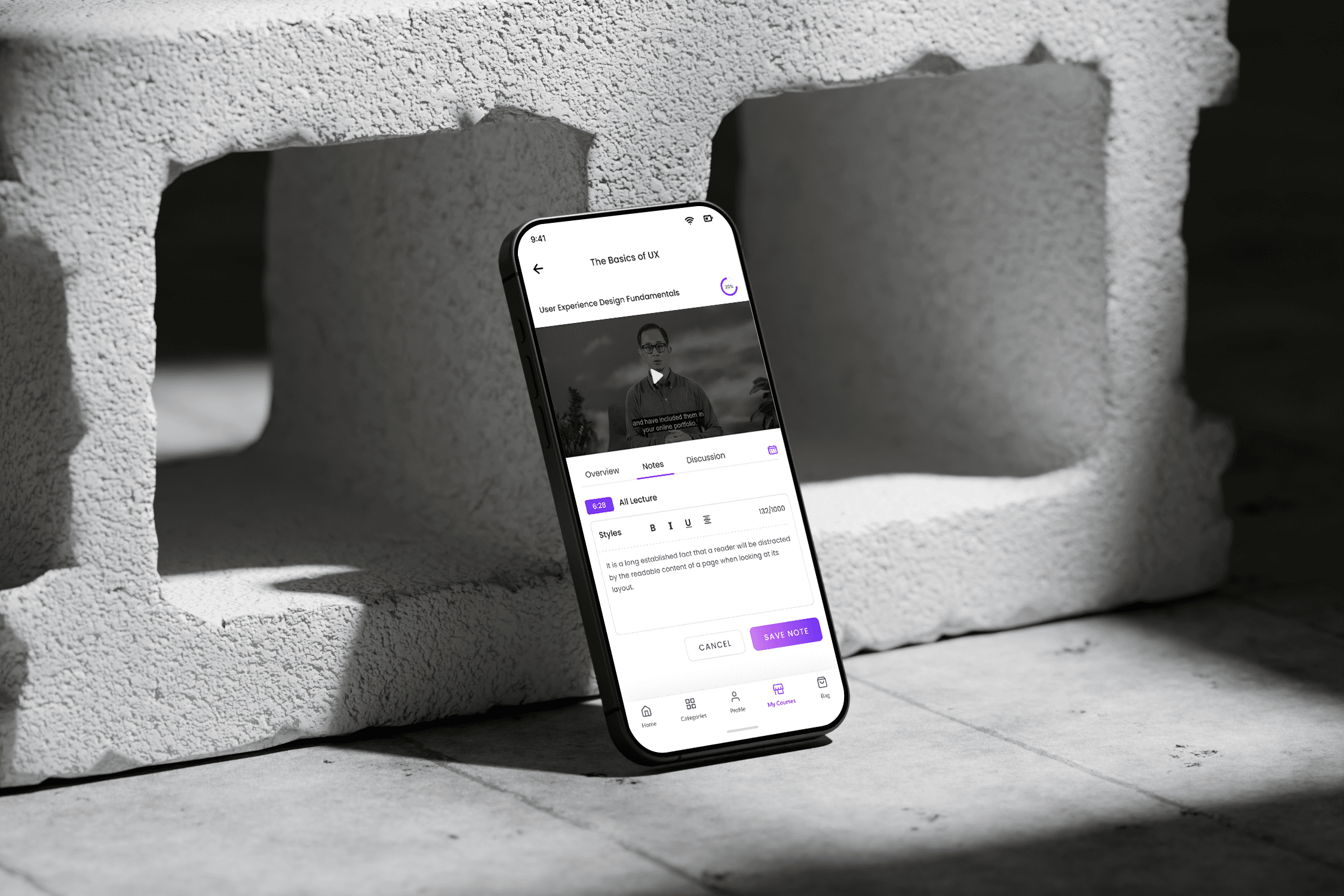
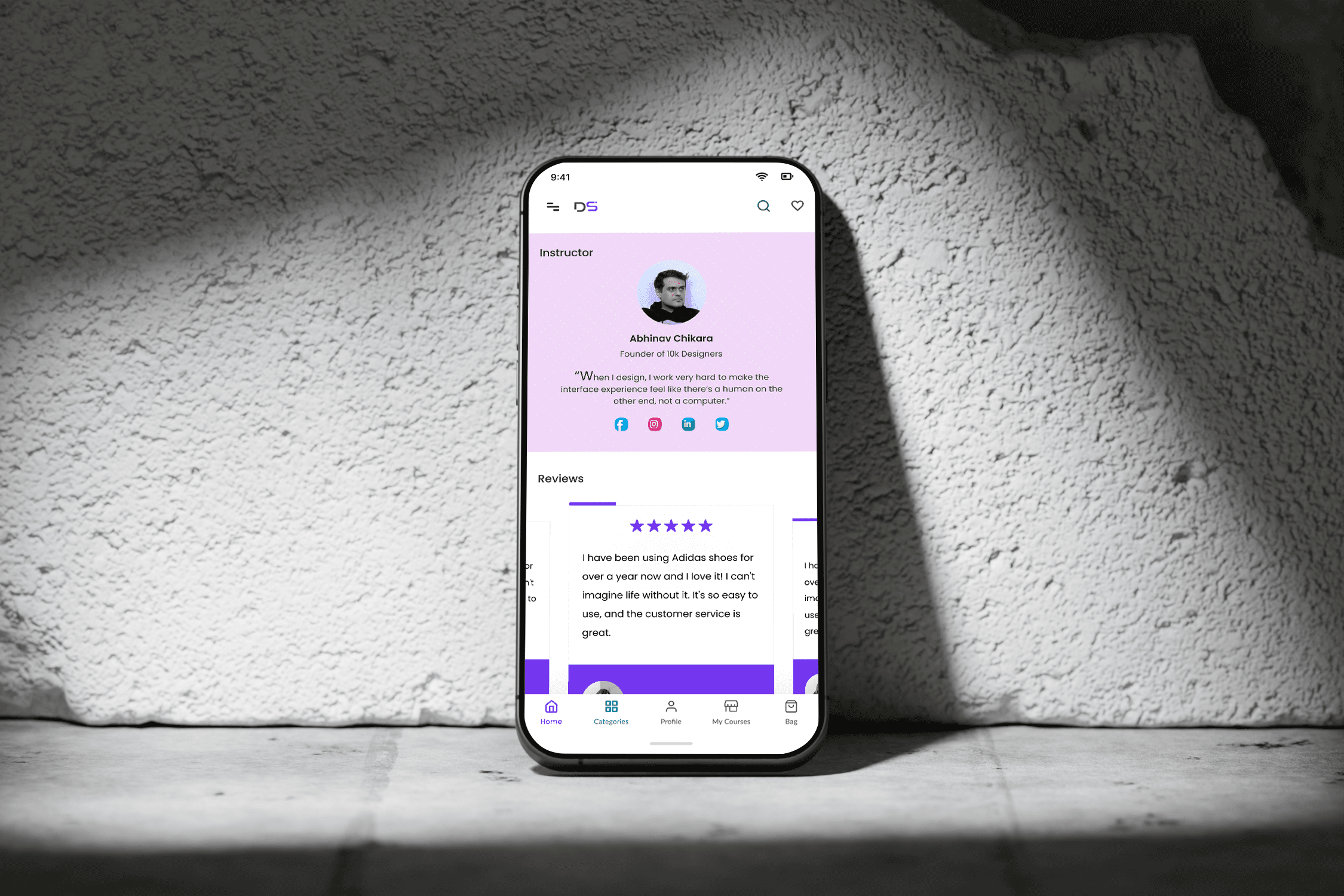
The final solution was a modern, user-friendly platform that offered structured design courses, interactive challenges, and a supportive community space. It provided a focused learning environment with clean UI, intuitive navigation, and progress tracking—tailored specifically to meet the needs of aspiring and professional designers.
Unstructured Learning Paths
Introduced guided course tracks (Beginner to Advanced) for a more focused learning journey.
Lack of Practice-Based Learning
Added daily/weekly design challenges to help users apply concepts and build portfolios.Limited Community Interaction
Integrated a dedicated community space for discussions, feedback, and peer learning.Poor Progress Visibility
Designed a clear dashboard for tracking course progress, upcoming sessions, and completed tasks.Cluttered Learning Interfaces
Delivered a distraction-free, minimal UI tailored for creative focus and ease of use.
Results
Each result highlights the website's ability to meet user needs and drive meaningful engagement.
Projected Impact (Post-Launch Goals)
Although still in the concept/prototype phase, the platform is designed with clear engagement and learning outcomes in mind.
🎯 Expected Outcomes:
30% increase in course completion rates due to structured, track-based learning
40% higher user engagement through interactive challenges and peer discussions
25% improvement in time spent on the platform per session
Reduced churn by offering a clear sense of progress and continuous learning motivation
Positive user feedback anticipated for clean UI, ease of use, and real-world challenge formats